文档来自:
使用方式一:html.to.design
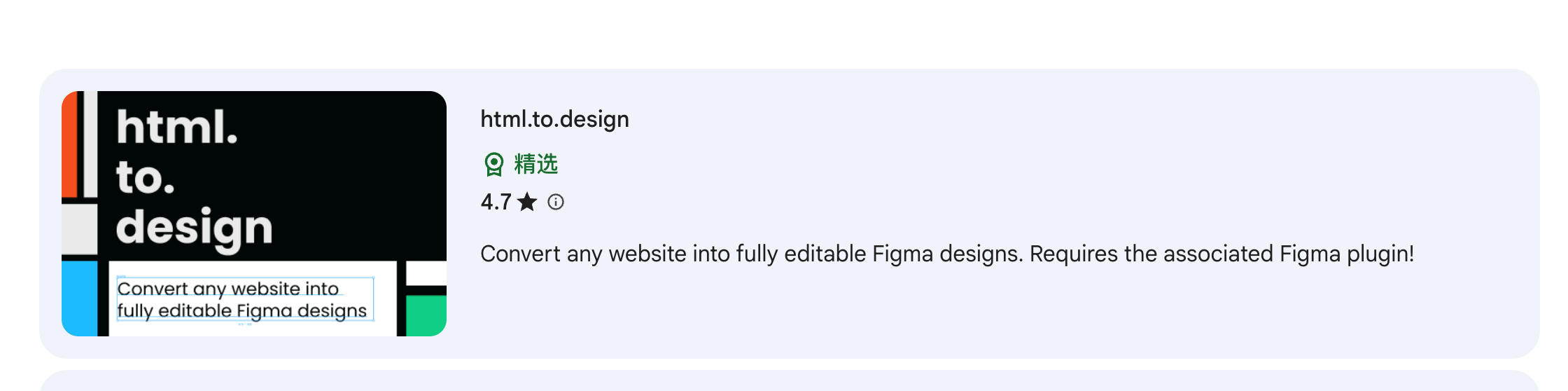
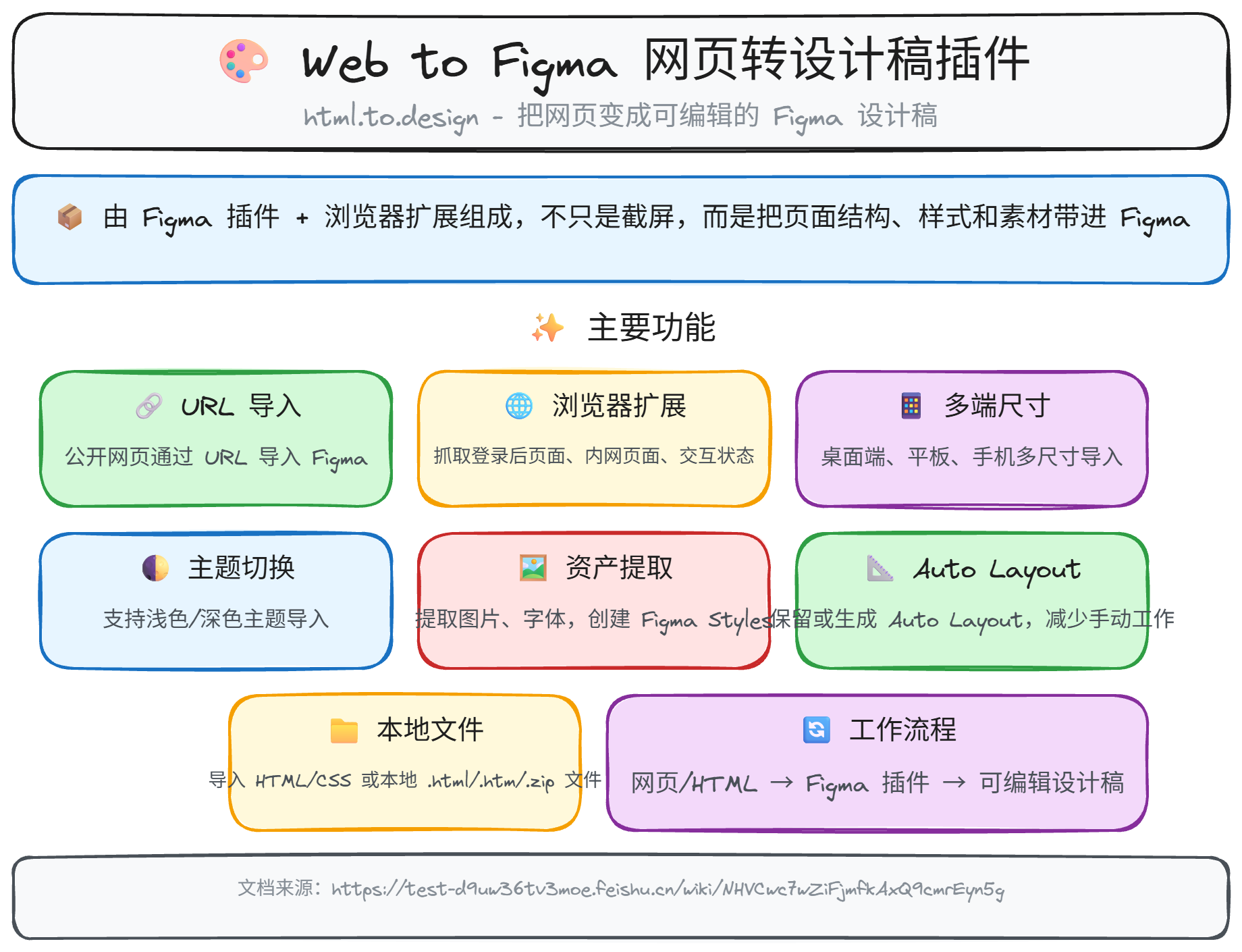
html.to.design 本质上是一个把网页/HTML 变成 可编辑 Figma 设计稿 的工具。它通常由 Figma 插件 + 浏览器扩展 组成,不只是截屏,而是尽量把页面结构、样式和素材带进 Figma,方便继续改设计。官方说明见:What is html.to.design? 、Features 、Home。
它主要能做这些事:
-
把公开网页通过 URL 导入 Figma,生成可编辑图层。
-
通过浏览器扩展抓取登录后页面、内网页面、某个交互状态下的页面。
-
支持多端尺寸导入,比如桌面端、平板、手机。
-
支持浅色/深色主题导入。
-
提取设计资产,比如图片、字体,并可创建本地 Figma styles。
-
尽量保留或生成 Auto Layout,减少你手动搭结构的工作。
-
把你自己的 HTML/CSS 或本地 .html/.htm/.zip 文件导入 Figma。
-
自动处理一部分原型相关内容,比如页面链接、滚动区域、sticky/fixed 元素、hover 变体。
-
适合做现有网站改版、竞品拆解、快速做 MVP、把线上页面回收到设计流程里。
一句话概括: 它最适合“把现成网页快速拉回 Figma,当成可编辑起点”,而不是从零设计,也不是把 Figma 直接变成生产代码。
使用方式二:插件包(推荐)
我这个插件的作用,主要就是调用figma官方的MCP 实现 页面的抓取
如果下方无法下载,开源通过链接:https://pan.quark.cn/s/007c198390dc
鼠标移入,出现工具栏,点击下载,右边是示例图👉
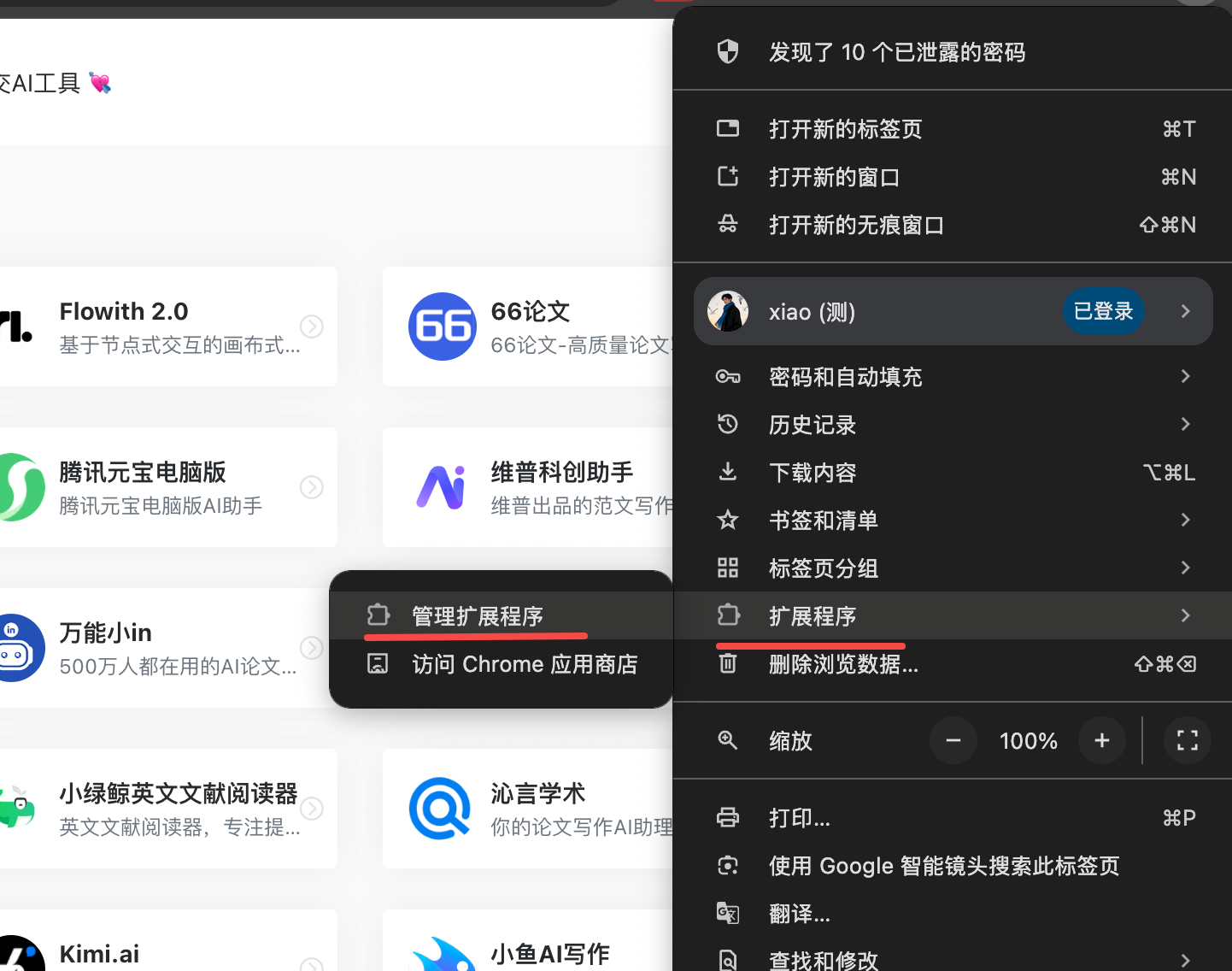
打开左上角的开发者模式,然后点击加载未打包的拓展程序。
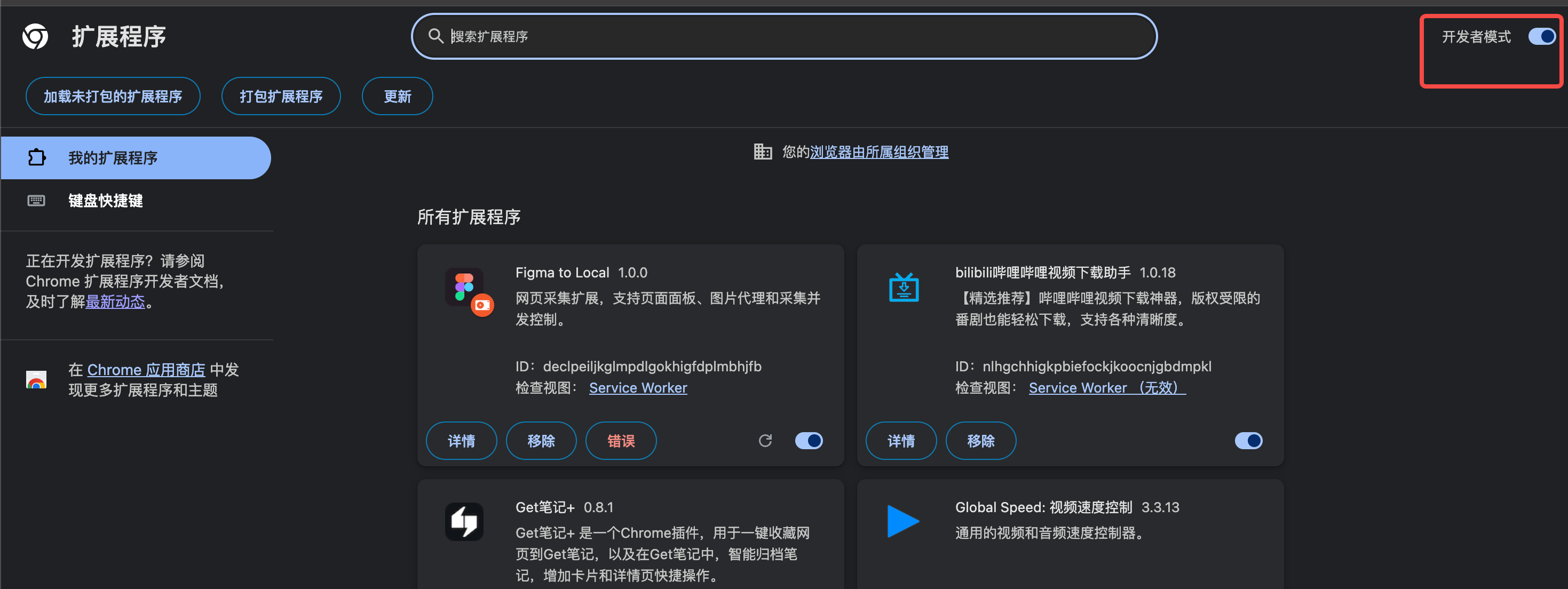
最后点击使用即可
使用方式二:脚本
(async () => {
  const sleep = (ms) => new Promise((resolve) => setTimeout(resolve, ms));

  const withTimeout = (promise, ms) =>
    Promise.race([
      promise,
      new Promise((resolve) => setTimeout(resolve, ms)),
    ]);

  async function ensureCaptureScript() {
    if (window.figma?.captureForDesign) return;

    if (window.__figmaCaptureLoading) {
      await window.__figmaCaptureLoading;
      return;
    }

    window.__figmaCaptureLoading = (async () => {
      const res = await fetch("https://mcp.figma.com/mcp/html-to-design/capture.js");
      if (!res.ok) {
        throw new Error(`Failed to load capture.js: ${res.status}`);
      }

      const scriptText = await res.text();
      const scriptEl = document.createElement("script");
      scriptEl.textContent = scriptText;
      document.head.appendChild(scriptEl);

      await withTimeout(
        new Promise((resolve, reject) => {
          const start = Date.now();

          (function check() {
            if (window.figma?.captureForDesign) return resolve();
            if (Date.now() - start > 5000) {
              return reject(new Error("captureForDesign did not initialize in time"));
            }
            setTimeout(check, 50);
          })();
        }),
        5500
      );
    })();

    try {
      await window.__figmaCaptureLoading;
    } finally {
      delete window.__figmaCaptureLoading;
    }
  }

  async function triggerLazyLoad() {
    const originalX = window.scrollX;
    const originalY = window.scrollY;
    const step = Math.max(400, Math.floor(window.innerHeight * 0.8));

    let lastHeight = 0;
    let stableRounds = 0;
    let y = 0;

    while (stableRounds < 2) {
      const currentHeight = Math.max(
        document.body.scrollHeight,
        document.documentElement.scrollHeight
      );

      if (currentHeight === lastHeight) {
        stableRounds += 1;
      } else {
        stableRounds = 0;
        lastHeight = currentHeight;
      }

      for (; y < currentHeight; y += step) {
        window.scrollTo({ top: y, behavior: "auto" });
        await sleep(180);
      }

      await sleep(500);
    }

    window.scrollTo({ top: 0, behavior: "auto" });
    await sleep(300);

    return { originalX, originalY };
  }

  async function waitForImages() {
    const images = Array.from(document.images || []);

    await Promise.allSettled(
      images.map((img) => {
        if (img.complete) return Promise.resolve();

        return withTimeout(
          new Promise((resolve) => {
            img.addEventListener("load", resolve, { once: true });
            img.addEventListener("error", resolve, { once: true });
          }),
          4000
        );
      })
    );
  }

  async function waitForFonts() {
    if (!document.fonts?.ready) return;
    await withTimeout(document.fonts.ready, 3000);
  }

  try {
    await ensureCaptureScript();

    const { originalX, originalY } = await triggerLazyLoad();
    await waitForImages();
    await waitForFonts();
    await sleep(500);

    const result = await window.figma.captureForDesign({
      selector: "body",
    });

    window.scrollTo({ left: originalX, top: originalY, behavior: "auto" });

    return result;
  } catch (error) {
    console.error("[captureForDesign] failed:", error);
    throw error;
  }
})();
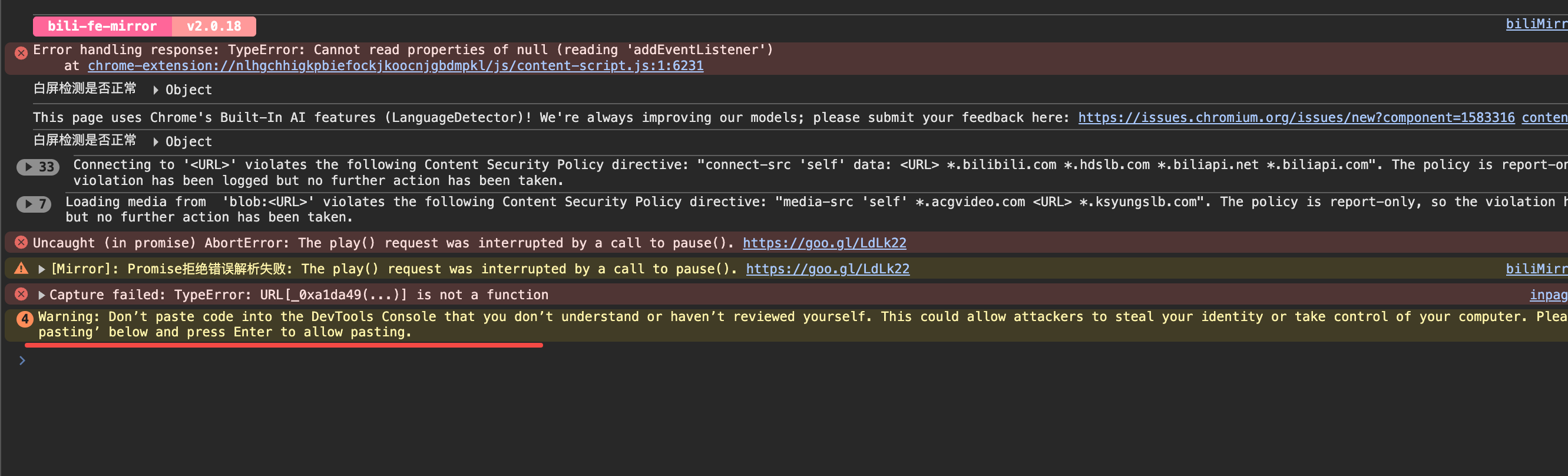
复制脚本后,打开任意网页,单击右键,选择检查,粘贴脚本就行
如果出现这个 : 只需要输入
简单理解:
-
如果代码是别人发你的,而你不懂它在做什么,不要粘贴
-
如果你明确知道代码用途,并且确认来源可信,输入 allow pasting 后才可以粘贴,就可以正常捕获网页了
我是晓刘,我们下期再见👋,每周例更!